
Step 1 · Data & Merge
Upload raw database exports and consolidate them into a single deduplicated dataset with one click.
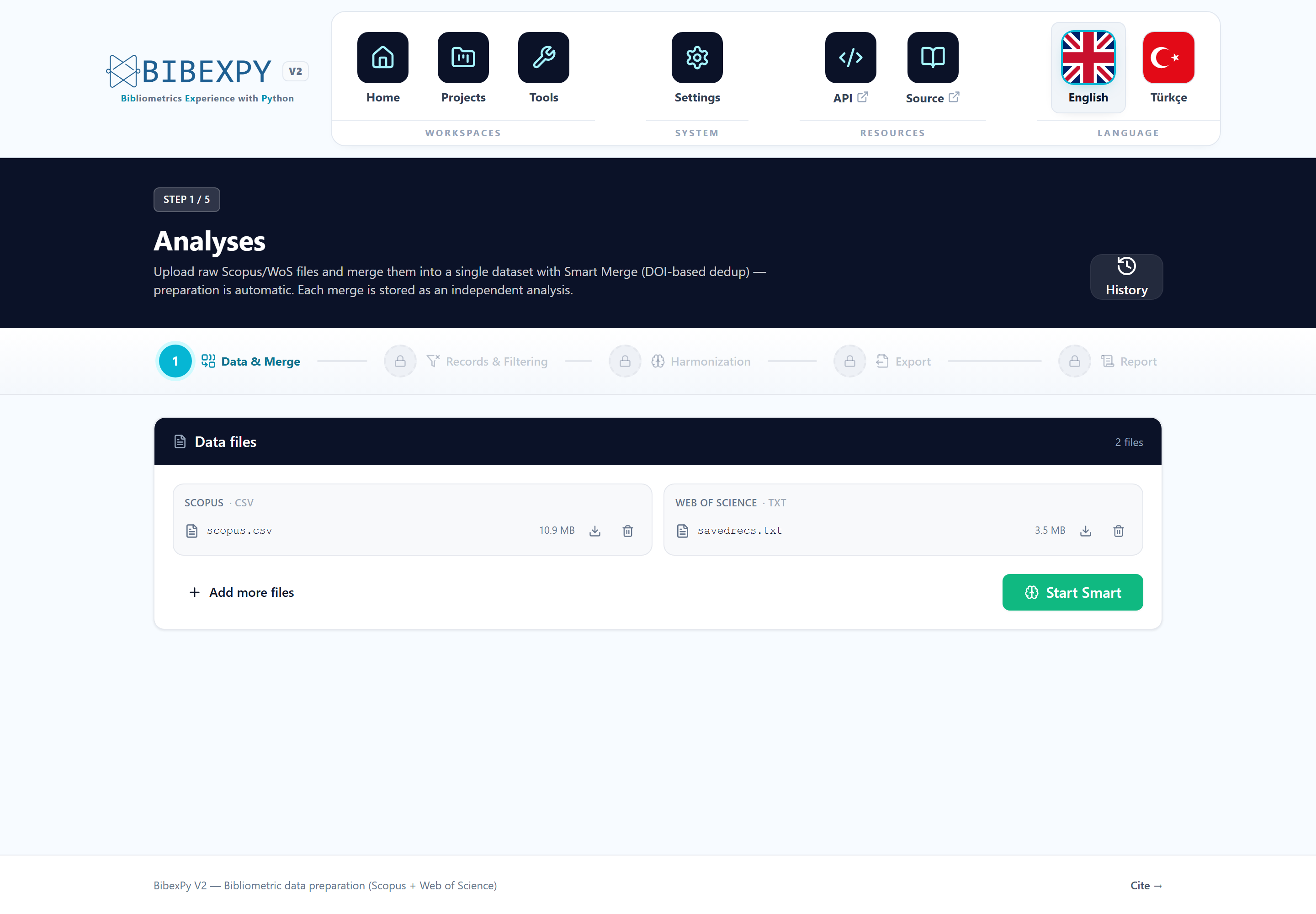
Supported inputs
| Source | Format | How to export |
| --- | --- | --- |
| Web of Science | .txt (plain text) | Export → Plain text file → Full Record and Cited References |
| Scopus | .csv | Export → CSV → All available information |
| Excel | .xlsx | A previously prepared/consolidated dataset |
Upload any mix of files — multiple WoS parts (savedrecs (1).txt, …) are handled
automatically.
One click does it all
Press Start Smart Merge. Preparation (converting raw files into a consolidated working format) runs implicitly first — there is no separate "prepare" step to remember.
While the job runs, you'll see live progress; when it completes, the analysis reports:
- Per-source input counts — how many records came from each database
- Duplicates found — cross-database matches identified by the algorithm
- Final unique records — the consolidated dataset size
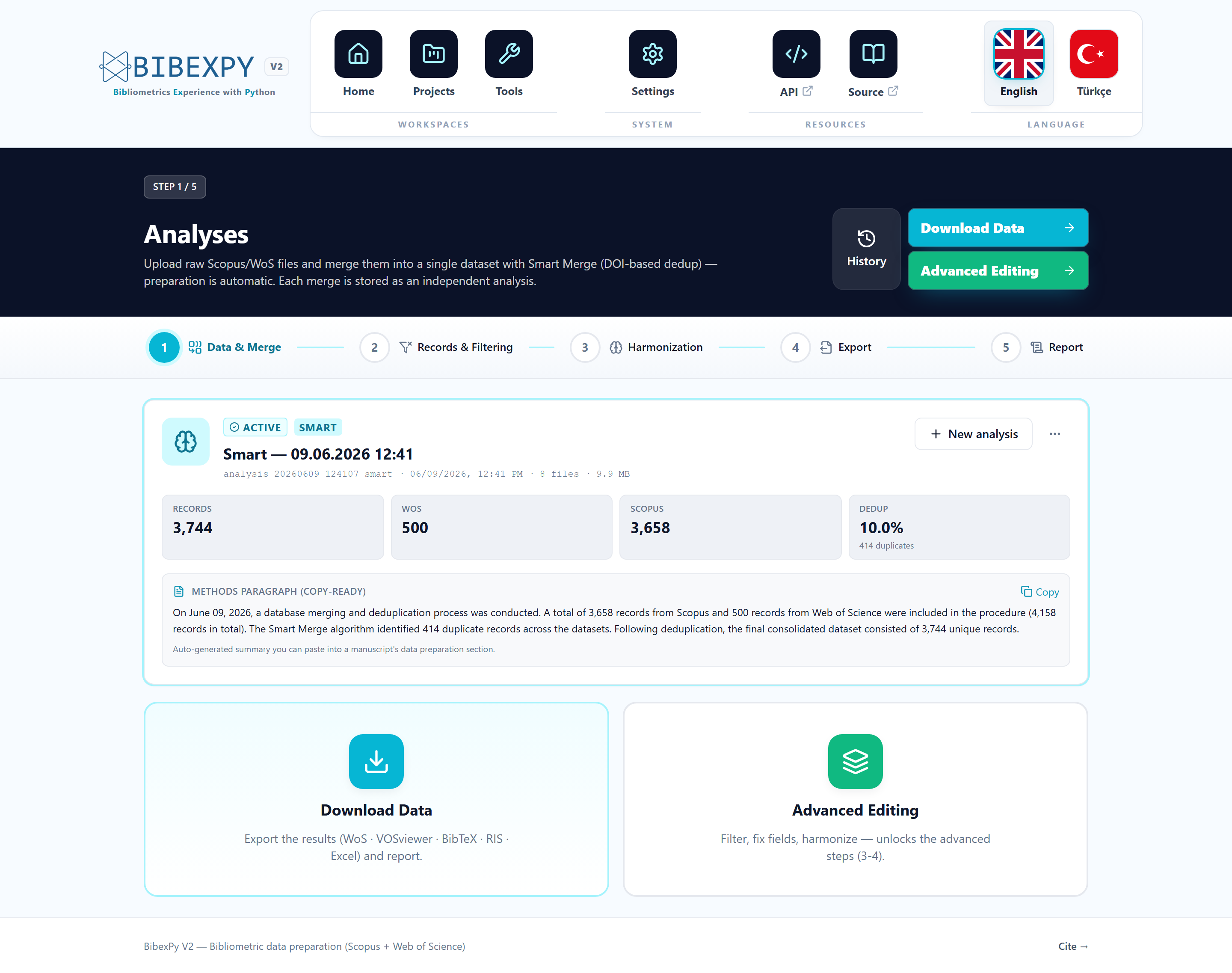
The methodology paragraph
Every merge produces a copy-ready methodology paragraph describing exactly what happened — input counts, duplicate counts, final totals — ready to paste into your manuscript's data-preparation section.
How does matching work?
Smart Merge combines exact DOI/identifier matching with Jaro–Winkler title similarity in a five-stage pipeline. Full details in the Smart Merge deep dive.
Adding more data later
Upload new raw files at any time and re-run Smart Merge — a new isolated analysis is created, and the previous one stays available in the project history.